Cut in half
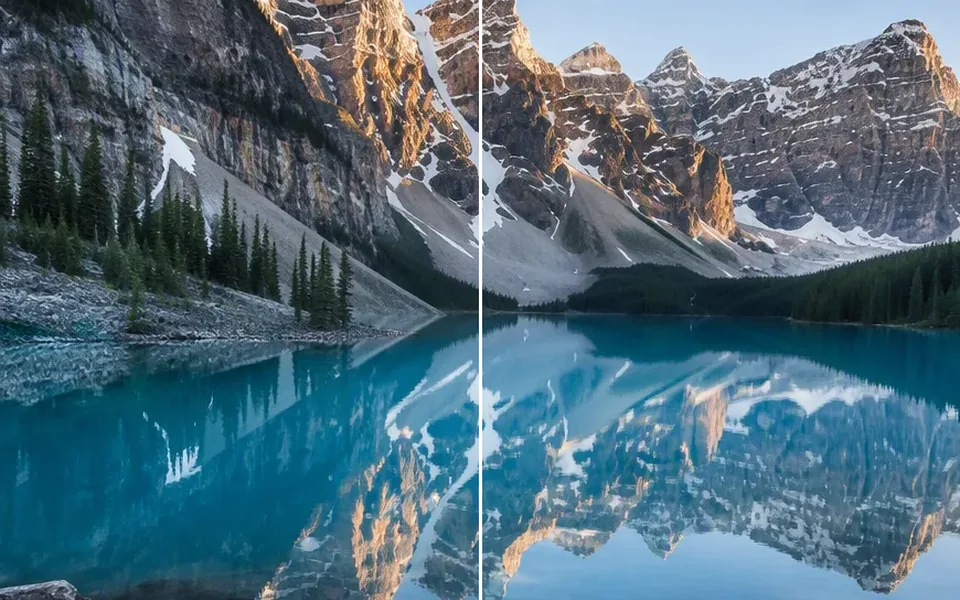
1×2 splits a picture into left and right pieces. 2×1 splits it into a top and bottom. Use either preset when you only need two files.
Use this image splitter to cut a JPG, PNG or WebP into rows and columns. Preview the pieces, drag the lines, then download a ZIP. The file never leaves this device.
Drop an image here, or click to choose
JPG, PNG or WebP · stays in this browser
No image? Try one of these
Supported formats: JPG, PNG and WebP. Maximum 20 MB, 32 MP and 100 tiles on desktop.
How it works
01
Drop a JPG, PNG or WebP onto the image splitter. The file stays in your browser and is not uploaded to Fogkits for this tool.
02
Pick 1×2 to cut an image in half, 2×2, 3×3, or type any rows and columns. Drag the preview lines when the tiles should not be equal.
03
Export a ZIP of original-size tiles named in reading order, such as 01-row-01-col-01. On grids of 16 tiles or fewer, you can also save one piece from the list under the preview.
Layouts
Start with a preset, or type the rows and columns you need. Uneven pieces use the same preview: drag a line instead of changing the count.
1×2 splits a picture into left and right pieces. 2×1 splits it into a top and bottom. Use either preset when you only need two files.
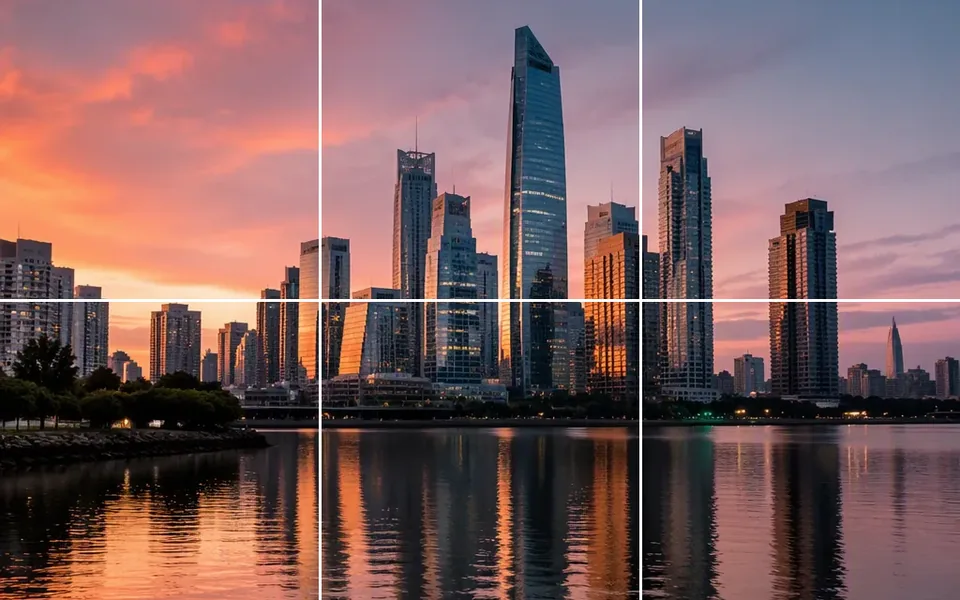
Four or nine equal tiles from one photo. A 3×3 grid is the usual starting point for nine-piece layouts.
Type any layout up to 20×20, limited to 100 tiles. Odd pixel sizes still share an integer edge, so tiles can be reassembled without a seam.
Drag a guide when one piece should be wider than the others. The ZIP still names files from left to right, then top to bottom.
Examples
These stills show typical outputs, from a 3×3 grid to a numbered ZIP. They are illustrations, not files from your session.
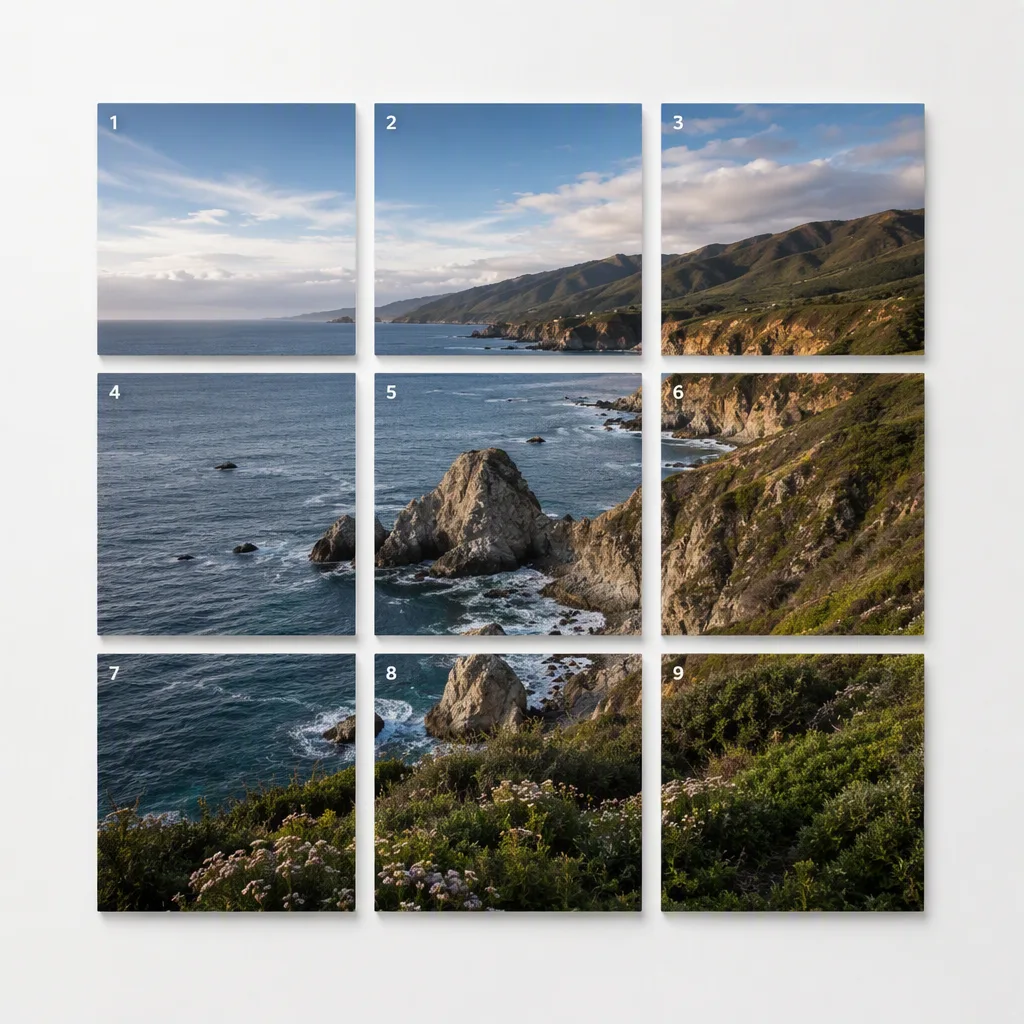
Nine equal tiles from one landscape, numbered in reading order.
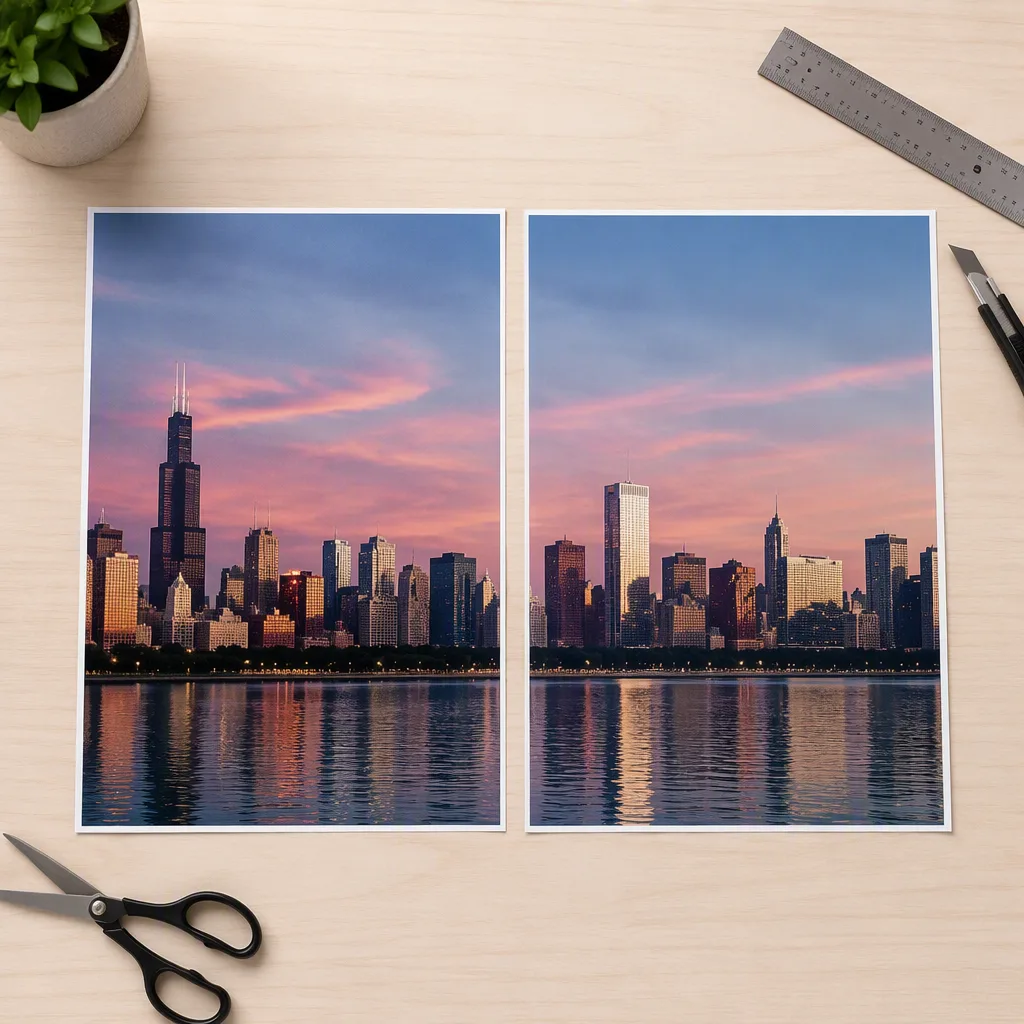
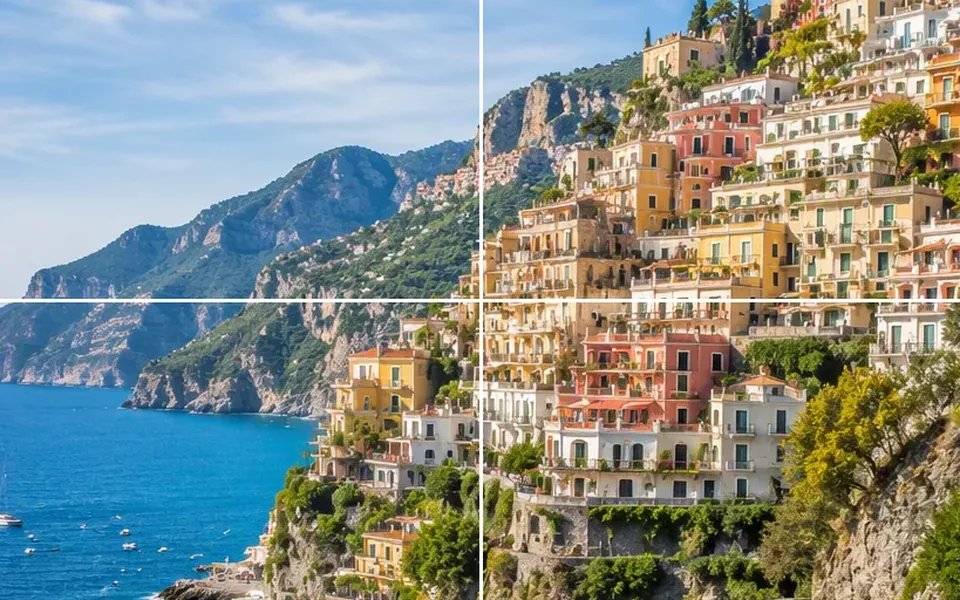
A 1×2 split for two side-by-side pieces at the original height.
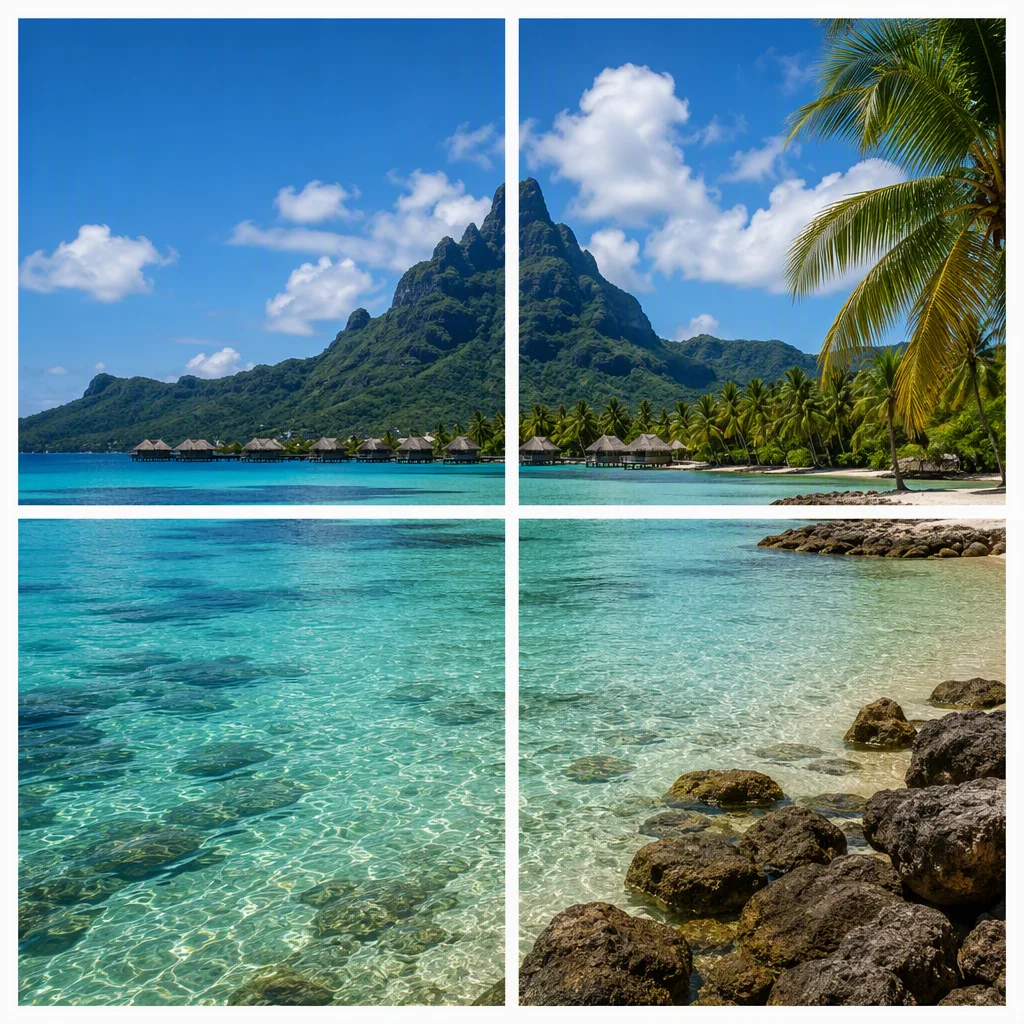
Four squares from a single picture, ready to save as a ZIP.
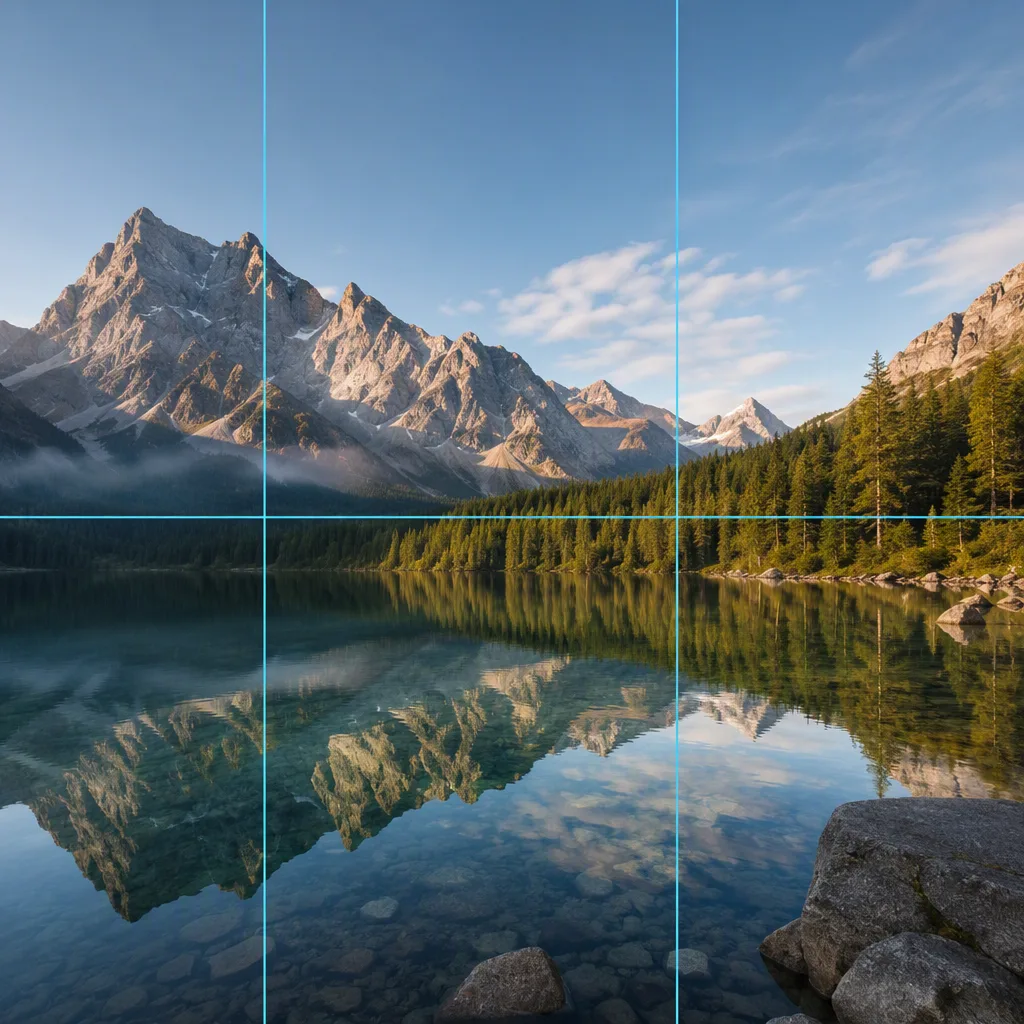
Drag the guides when one tile should be wider than the others.
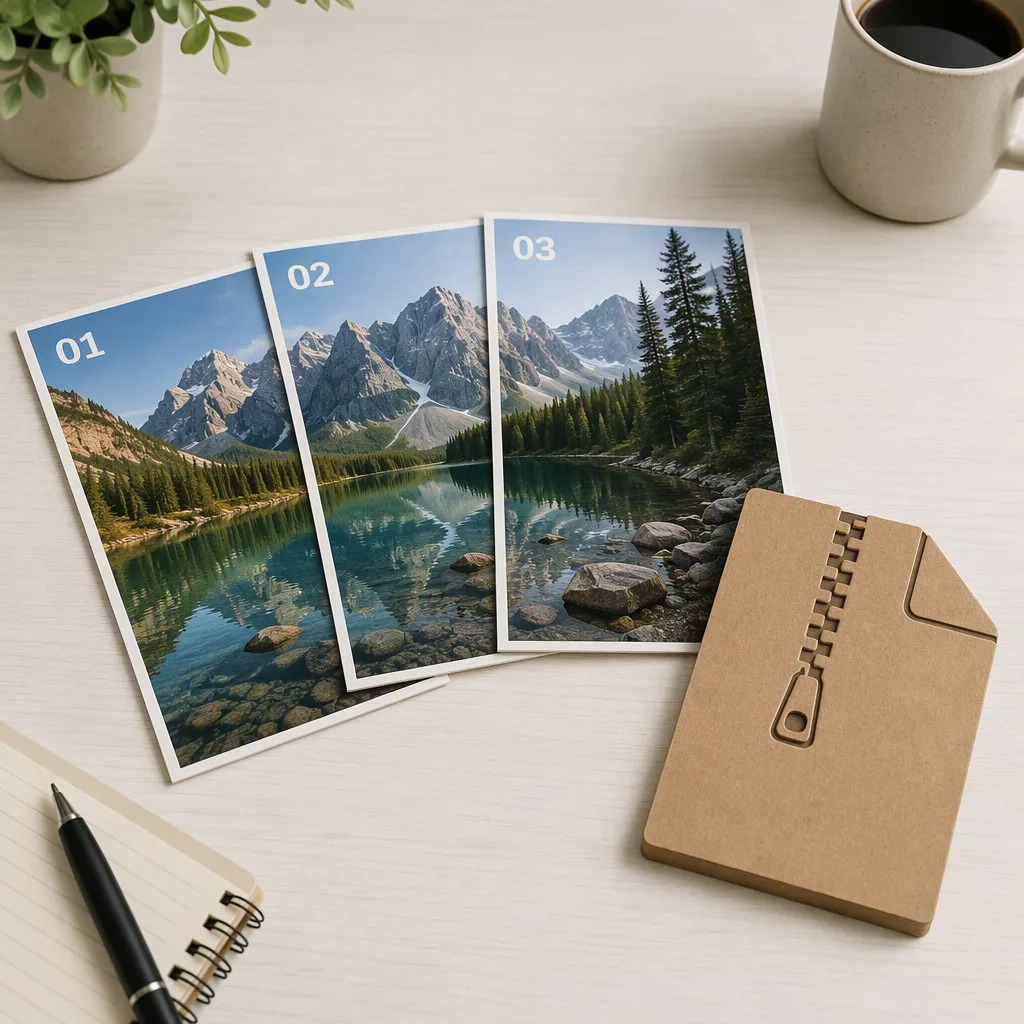
Tiles keep a stable order so you can save the set as one archive.
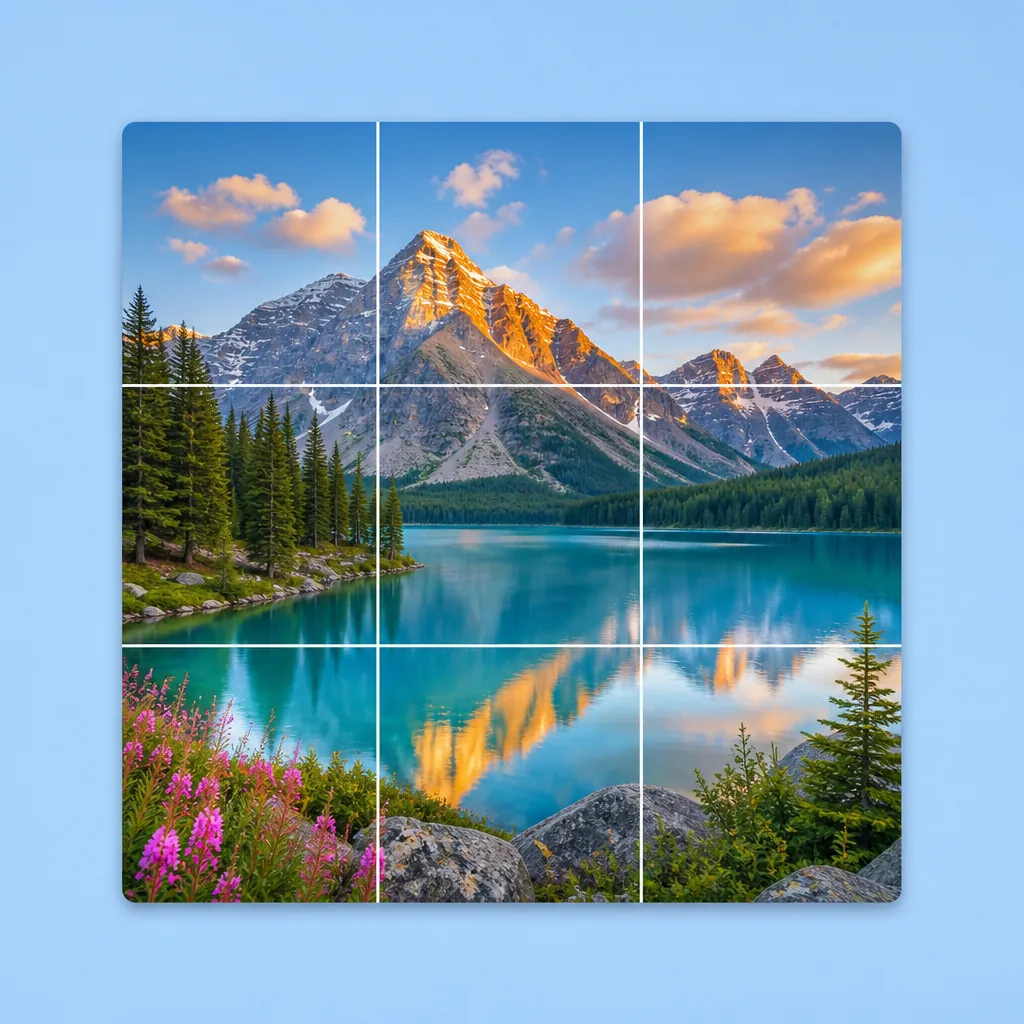
The overlay shows how the photo will be cut before you export.
Fogkits splits a static image in the browser. It exports the same pixel size you uploaded, keeps PNG transparency by default, and writes one ZIP instead of a cloud job.
Why choose Fogkits
Equal grids, custom guides, and a numbered ZIP — without uploading the photo.
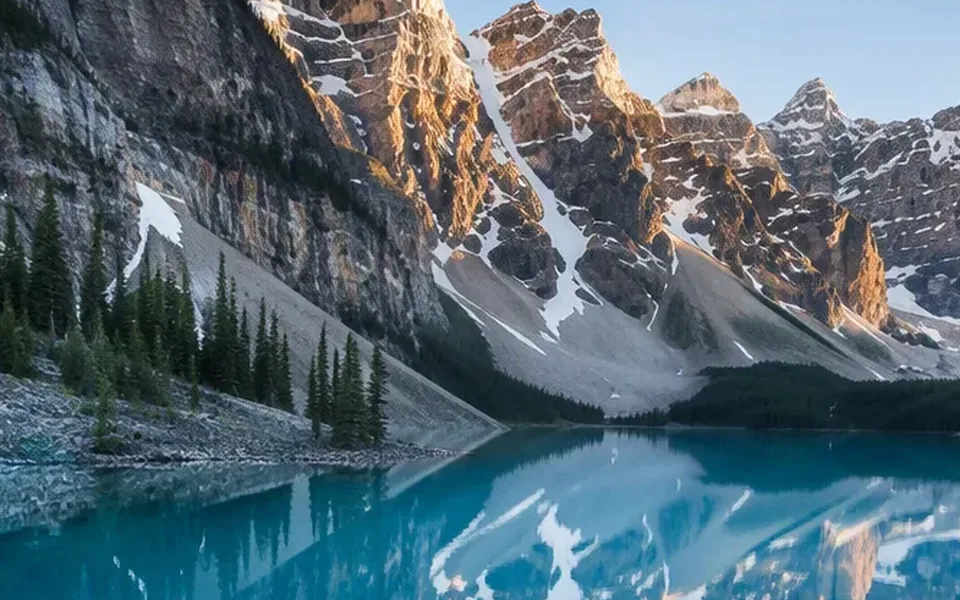
Canvas split and ZIP encoding run in the tab. Fogkits does not upload the source for this tool.
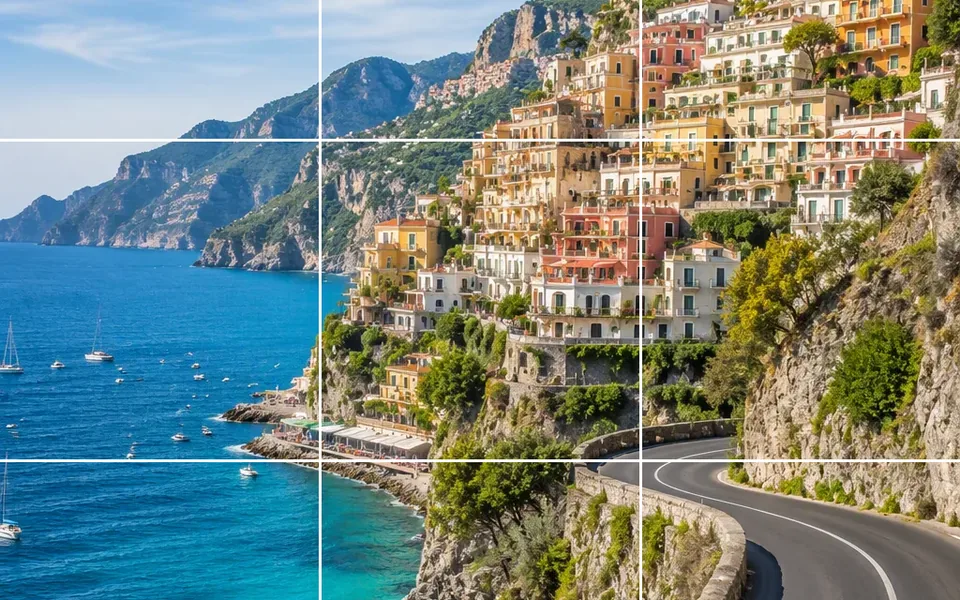
Presets for common cuts, or type any rows and columns up to the tile limit when you need a denser grid.
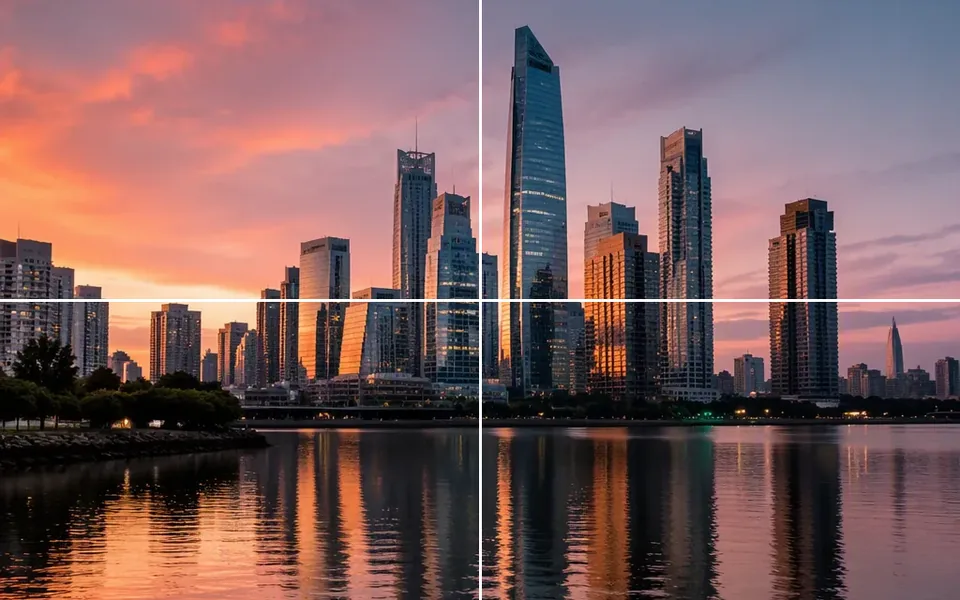
See the cut lines on the photo before you export, and drag guides when one tile should be wider.

Exports keep the pixel size of each piece from your upload — no forced downscale for this tool.
Tiles are named in reading order so you can save the set as one archive and keep sequence clear.
Need publish-order profile puzzles or swipe slides? Continue with Instagram Grid Maker or Carousel Splitter.
Use cases
Three common jobs where cutting one photo into ordered tiles is faster than redesigning each piece.
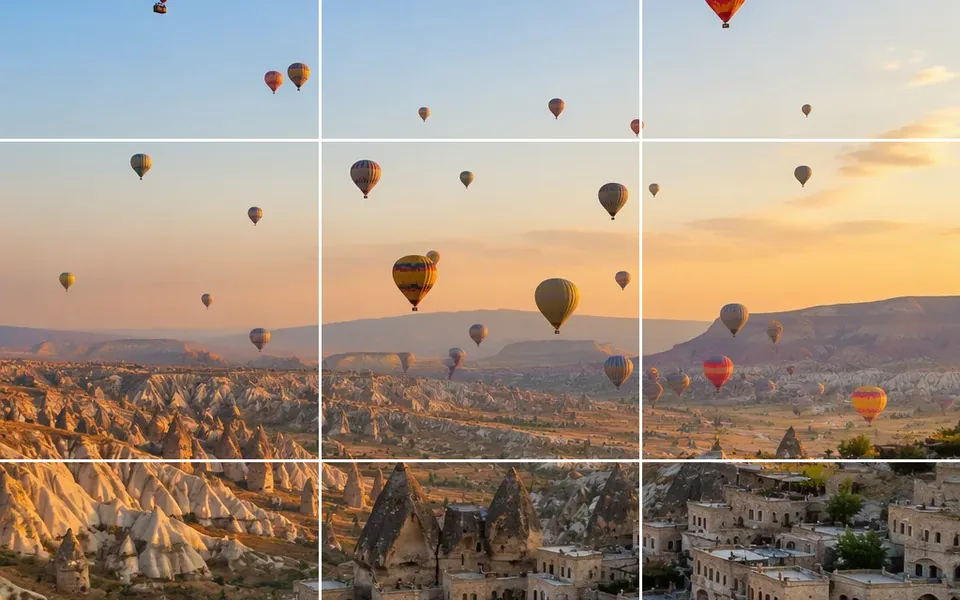
Social layouts
Cut a single frame into 2×2 or 3×3 pieces when you want ordered tiles without rebuilding each crop by hand.
Print & collage
Export equal or custom tiles for posters, scrapbooks, or wall collages, then print each file at full resolution.
Uneven cuts
When one strip should be larger than the others, drag the preview lines instead of forcing equal cells.
Free passport photo maker with automatic face checks, background removal and exact-size cropping. Free watermarked preview; optional HD download uses 1 credit.
Free background remover online. Preview a transparent PNG or white backdrop in seconds; optional HD download uses 1 credit.